
Pokemon Array
scroll down

scroll down
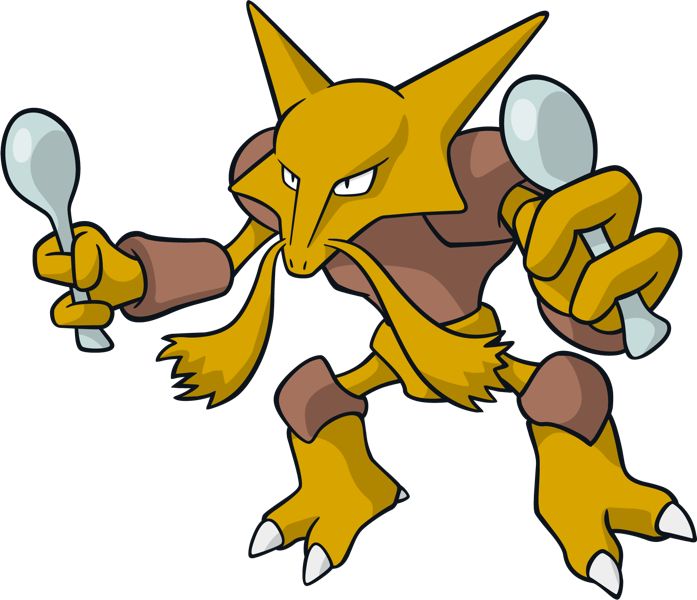
let pokemon = ["alakazam", "onix", "squirtle", "snorlax"]
 ,
,  ,
,  ,
,  , , ,
, , , pokemon[0] is "alakazam"
pokemon[3] is "snorlax"
pokemon.push("psyduck")
the pokemon array will look like this: ["alakazam", "onix", "squirtle", "snorlax", "psyduck"]
, , , ,  ,
, pokemon.pop()
the array will now look like this: ["alakazam", "onix", "squirtle", "snorlax"]
, , , pokemon.shift()
the array will now look like this: ["onix", "squirtle", "snorlax"]
, , pokemon.unshift("pikachu")
the array will now look like this: ["pikachu", "onix", "squirtle", "snorlax"]
 , , ,
, , , With both of these array methods you can remove items, but there is a difference in performance.
The splice() method returns the removed item(s) in an array. You can use this also to add items into an array
slice() method returns the selected element(s) in an array, as a new array object
splice(start, deleteCount, item1)
pokemon.splice( 2, 0,"meowth")
the array will now look like this: ["pikachu", "onix", "meowth","squirtle", "snorlax"]
, ,  , ,
, , Slice does not alter the original array. It returns a shallow copy of elements from the original array. Slice is used like this
slice(start, end)
let newPokemon = pokemon.slice(1, 3)
new pokemon will bring back: ["onix", "meowth"]
, , while pokemon will bring back ["pikachu", "onix", "meowth","squirtle", "snorlax"]
, , , ,